Find the hook.
Review a shortlist of moments with the opening line, source timecode and a reason to keep each one.
Turn your best moments into scroll-stopping clips. Find the hook, frame the shot, and add captions in one editing studio.
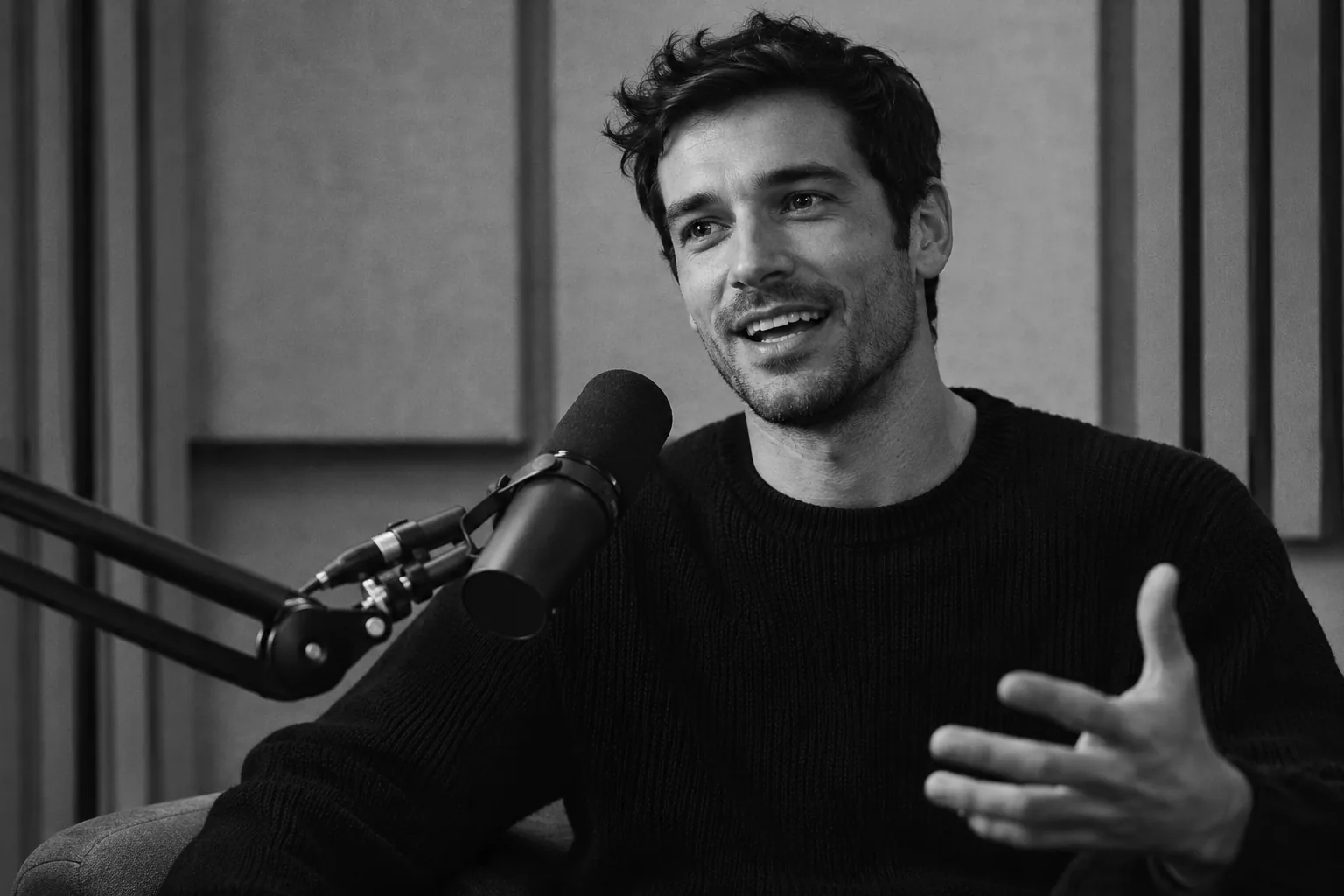 SOURCE · 16:9
Review a shortlist of moments with the opening line, source timecode and a reason to keep each one.
Choose a vertical, square or wide canvas. Adjust the crop so the subject stays in the shot.
Edit timed captions in the language spoken in your recording. Export subtitles or burn them into the final cut.
Explore five editorial picks from Spid’s AION 2 commentary. Jump to the source and compare the setup with the payoff.
Review the shortlistMonthly plans. Paid from day one. Cancel from your billing portal.
Paste a YouTube link to open clip setup. When YouTube import is available, Studio prepares the preview and lets you choose a range. You can also upload an original recording or use a direct HTTPS file link.
Choose 9:16 for vertical clips, 1:1 for square feeds, or 16:9 for landscape. Download an MP4 and editable subtitle files.
Processing uses the selected source range. A new render uses its output duration. Repeat downloads of a completed file are included.
Subscriptions begin with the first payment. You can explore the sample studio before choosing a plan.